 Skyport
API keys and CLI
Updated October 17, 2026
An API key gives access to one project from your scripts, your CI or the openstack client, without your password. You can revoke it at any time.
Create a key#
- In API keys, choose New key.
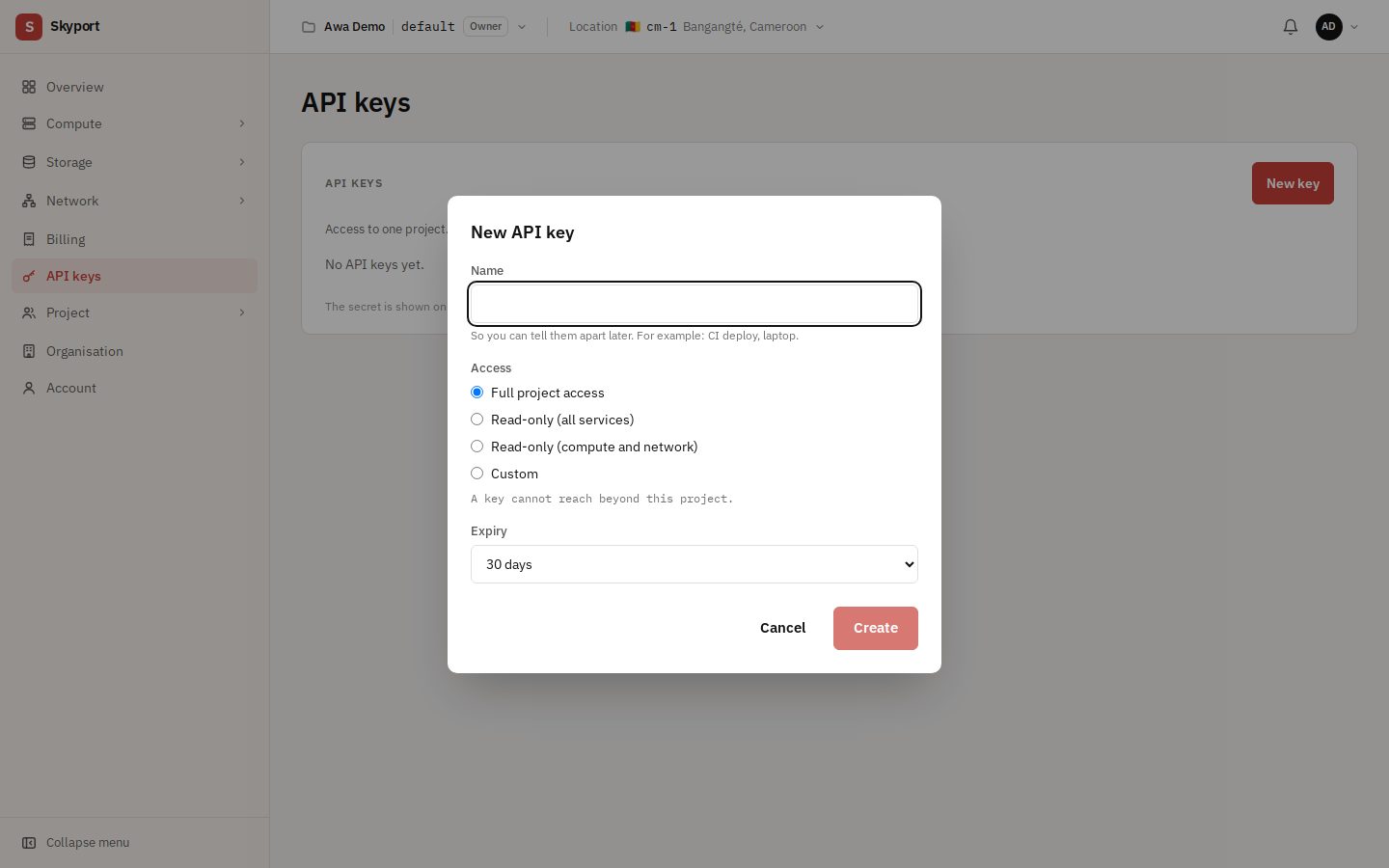
- Give it a name that will help you later (for example "CI deploy"), an Access level and an Expiry if needed.
- Choose Create. Copy the secret right away, or choose Download openrc.
The Access choice is not yet enforced by the platform: for now every key has full access to its project. Only give it to tools you trust.
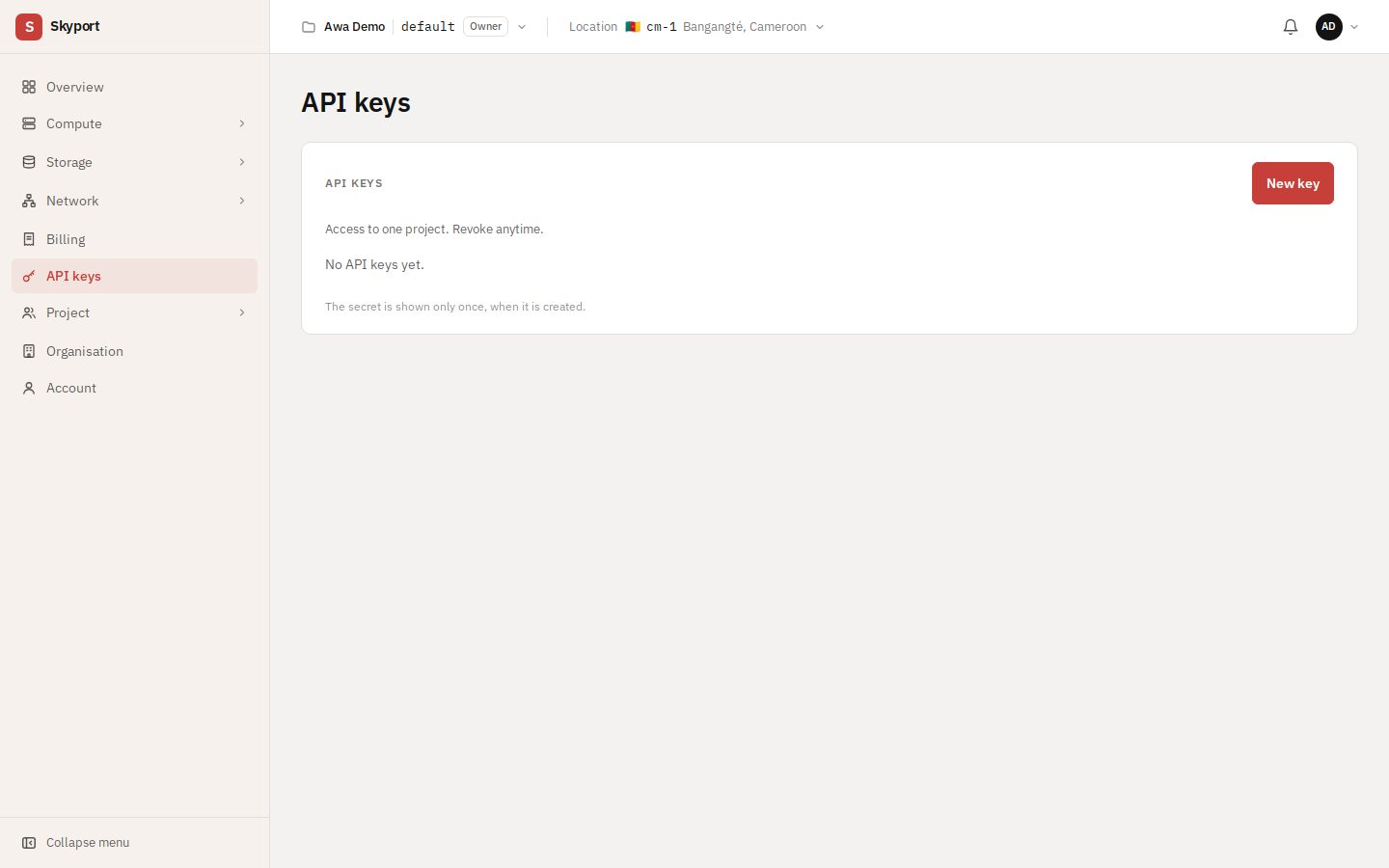
The secret is shown only once. If you lose it, create a new key and revoke the old one.
A key never gives access beyond its project.
Use the openstack client#
pip install python-openstackclient
source openrc
openstack server list
With a clouds.yaml file#
Instead of source openrc, you can copy the openrc file's values into ~/.config/openstack/clouds.yaml:
clouds:
  skyport:
    auth_type: v3applicationcredential
    auth:
      auth_url: <OS_AUTH_URL>
      application_credential_id: <OS_APPLICATION_CREDENTIAL_ID>
      application_credential_secret: <OS_APPLICATION_CREDENTIAL_SECRET>
    region_name: <OS_REGION_NAME>
    interface: public
    identity_api_version: 3
openstack --os-cloud skyport server listRevoke a key#
On the key's row, Revoke. Everything using it loses access at once; this cannot be undone.