 Skyport
Billing
Updated October 17, 2026
What you use, what you pay, and how to add credit.
The Billing page#
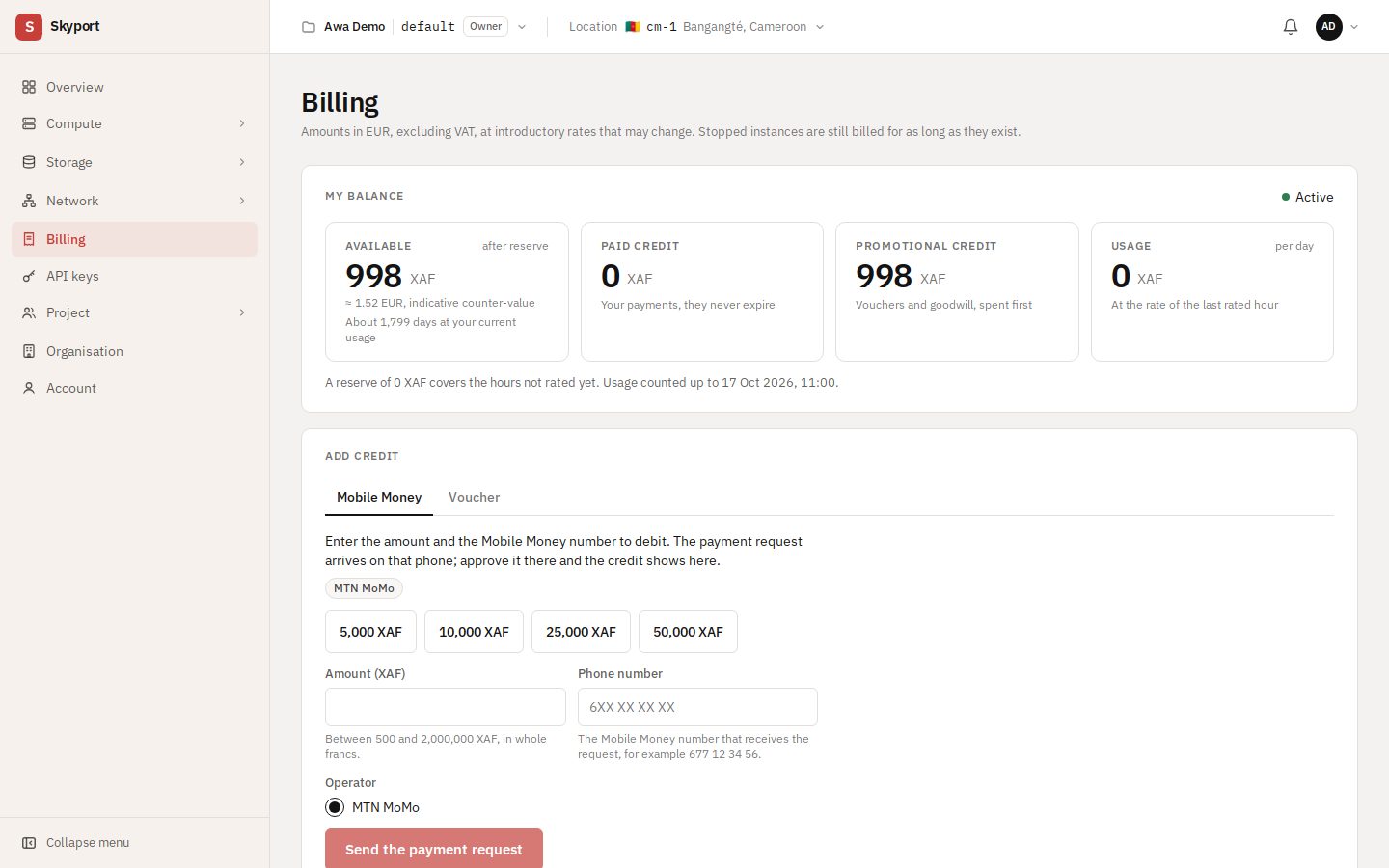
Billing shows your balance, then usage: this month compared with last month, the last 6 months, the month's breakdown and the main cost items. Usage is in euros (EUR), excluding VAT, at launch prices that may change.
Stopped instances are billed for as long as they exist, and a floating IP for as long as it is reserved. Delete what you no longer use to stop its billing.
Your balance#
The account is prepaid, in CFA francs (XAF), with an indicative euro value. My balance separates Paid credit (your payments, which do not expire) from Promotional credit (vouchers and goodwill credit, used first). It also shows usage at the rate of the last billed hour.
Only the owner and the people given billing access see this page.
Add credit with Mobile Money#
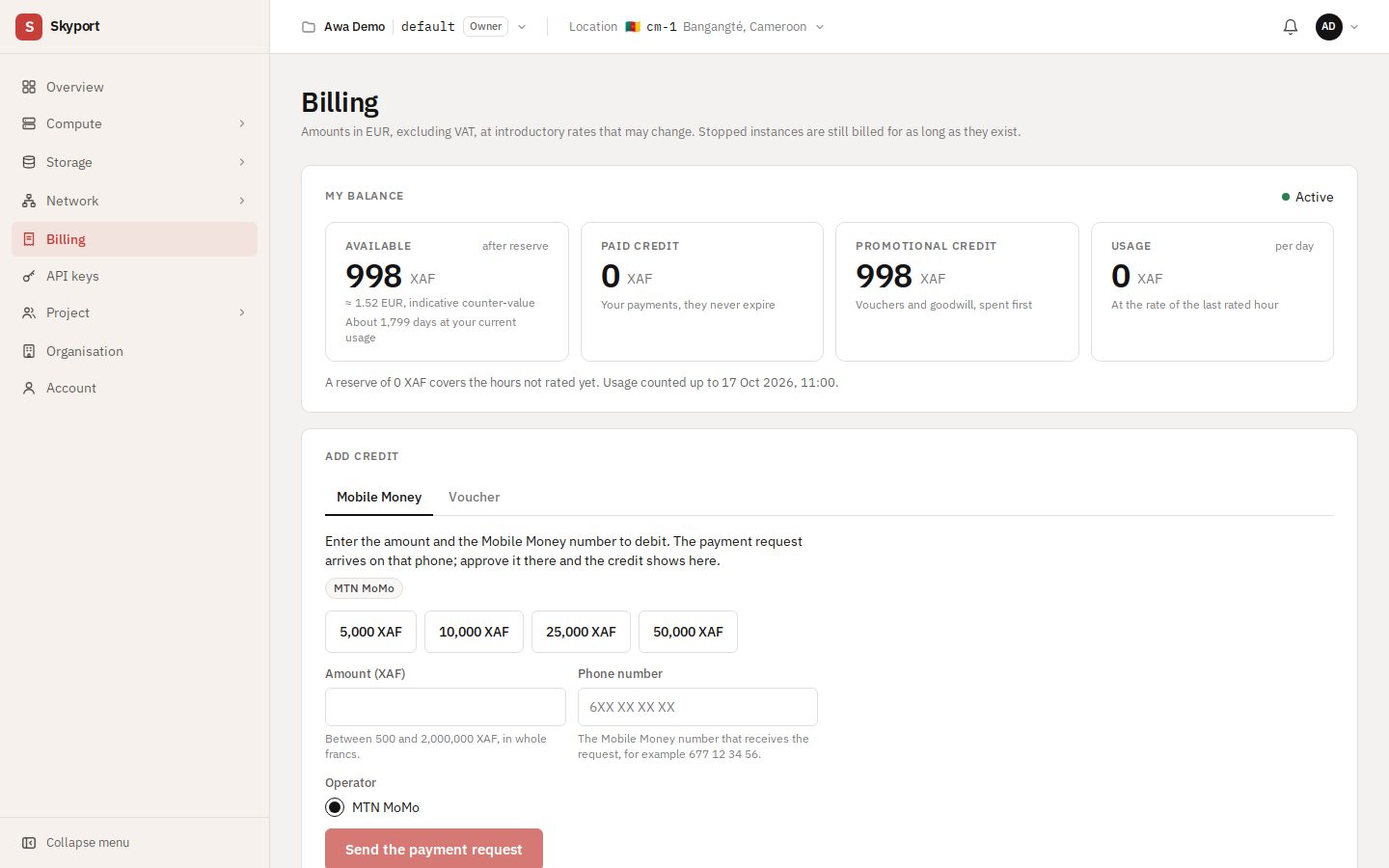
- In the Add credit section of the Billing page, stay on the Mobile Money tab.
- Pick a suggested amount or enter the Amount (XAF), between 500 and 2,000,000 XAF in whole francs, then the Phone number to charge and the Operator.
- Choose Send the payment request, then approve it on that phone. The credit appears on your balance.
Redeem a voucher#
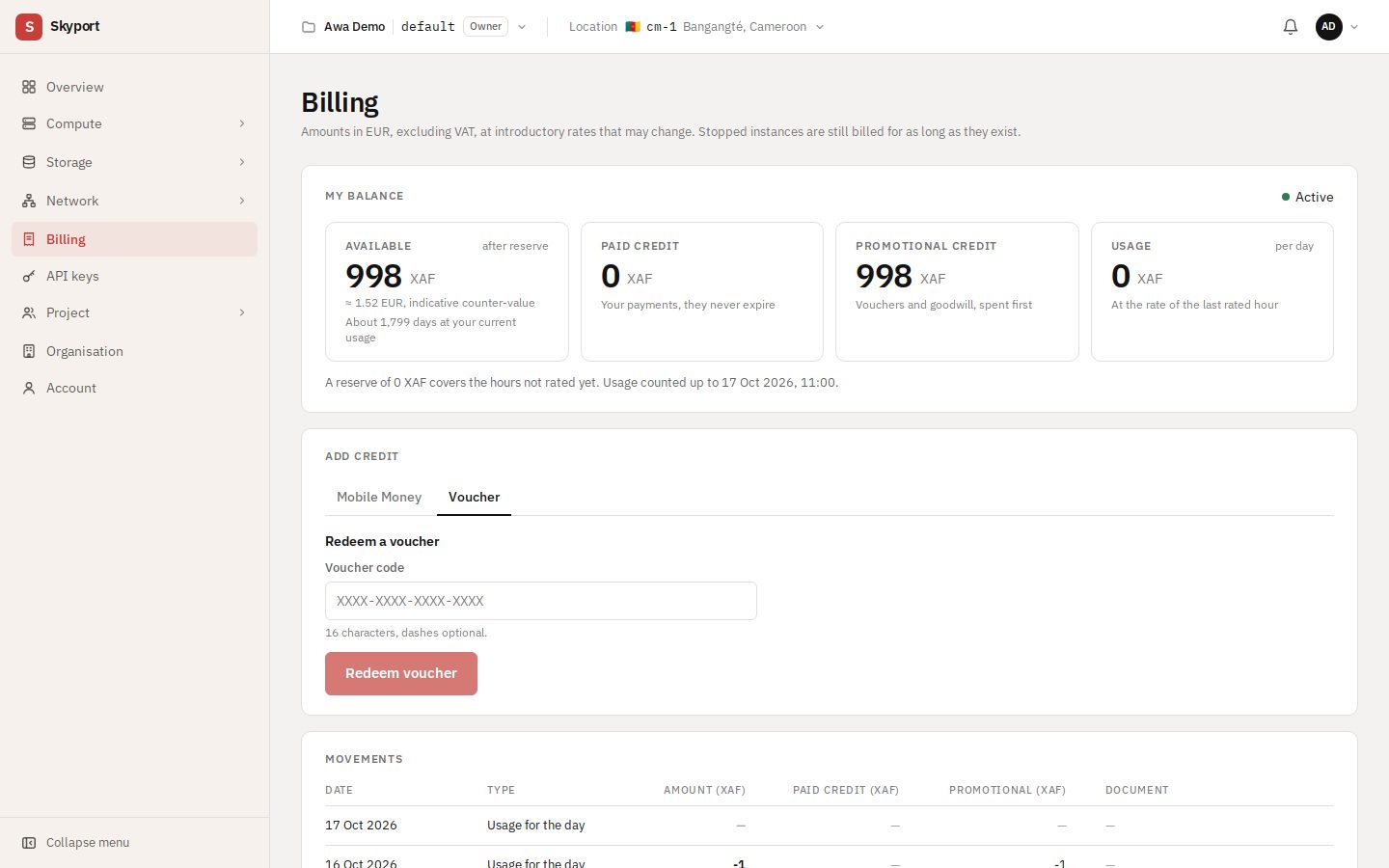
In the same section, Voucher tab: enter the Voucher code (16 characters, dashes optional), then Redeem voucher.
When the balance runs low#
- Low balance
- A Low balance banner says how long is left: top up to avoid an interruption.
- Balance used up, servers stopped
- When the balance runs out, your servers are stopped. After a top-up they do not restart on their own: the Restart stopped servers section lists them, with Start for each or Start all.
Movements and documents#
Movements lists every top-up and charge. Documents gathers your payment receipts, credit advices, invoices, credit notes and account statements.